I'm a participant in the Amazon Services LLC Associates Program, an affiliate advertising program designed to provide a means for me to earn fees by linking to Amazon.com and affiliated sites.
Should you run an air purifier 24/7? For most homes, yes—running an air purifier 24/7 is worth it if it’s correctly sized for the room and you run it at a quiet “baseline” speed. Continuous operation keeps particles from building up again between sessions. The best approach is low/auto all day + short “boost” runs during high-pollution moments (cooking, cleaning, pets, smoke).
The only real reasons to not run 24/7 are: it’s too loud, it’s undersized, or you’re using a device with problematic tech (like ozone generators) (don’t).
Our Recommended Picks
Feature | |||||
|---|---|---|---|---|---|
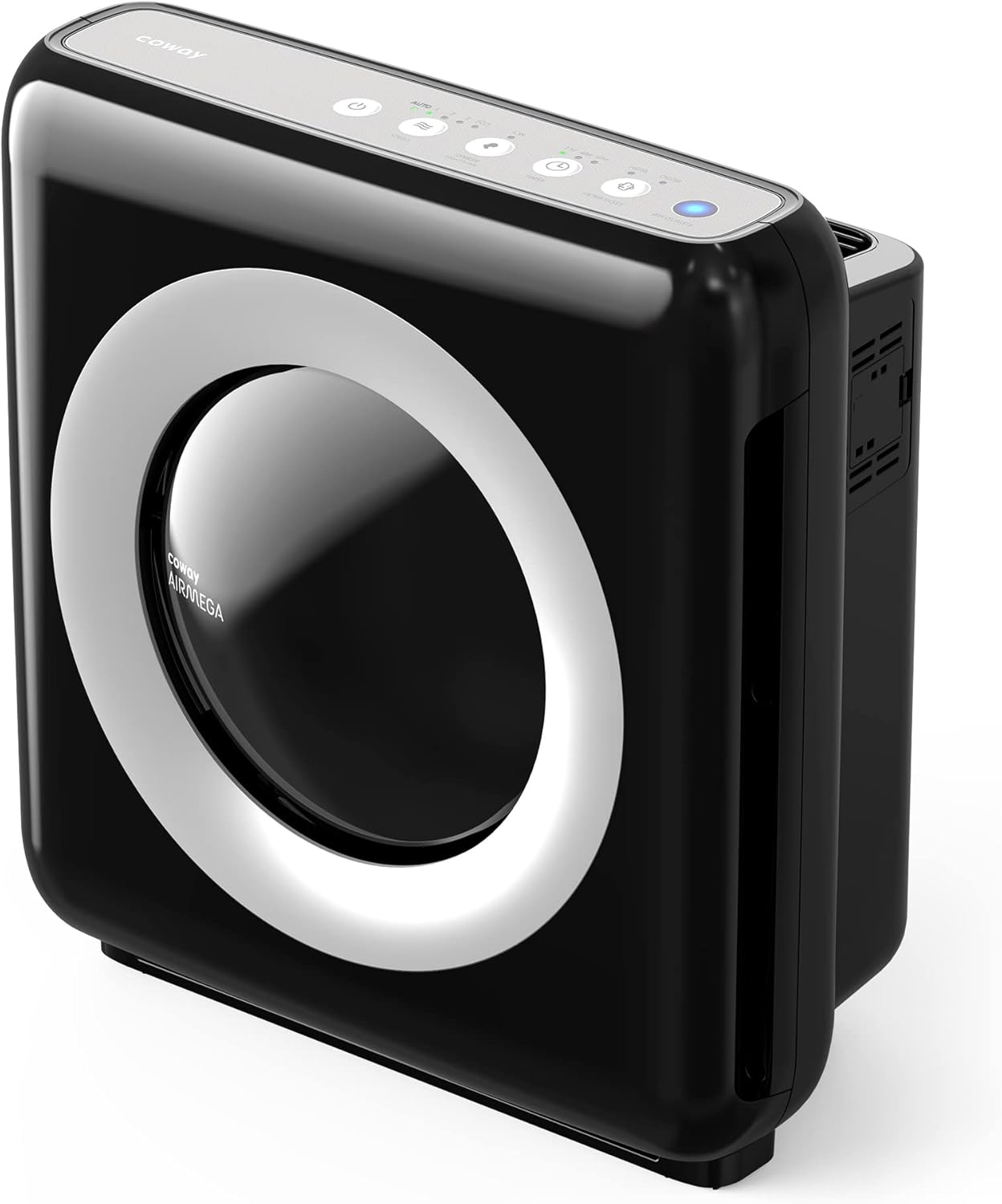 | 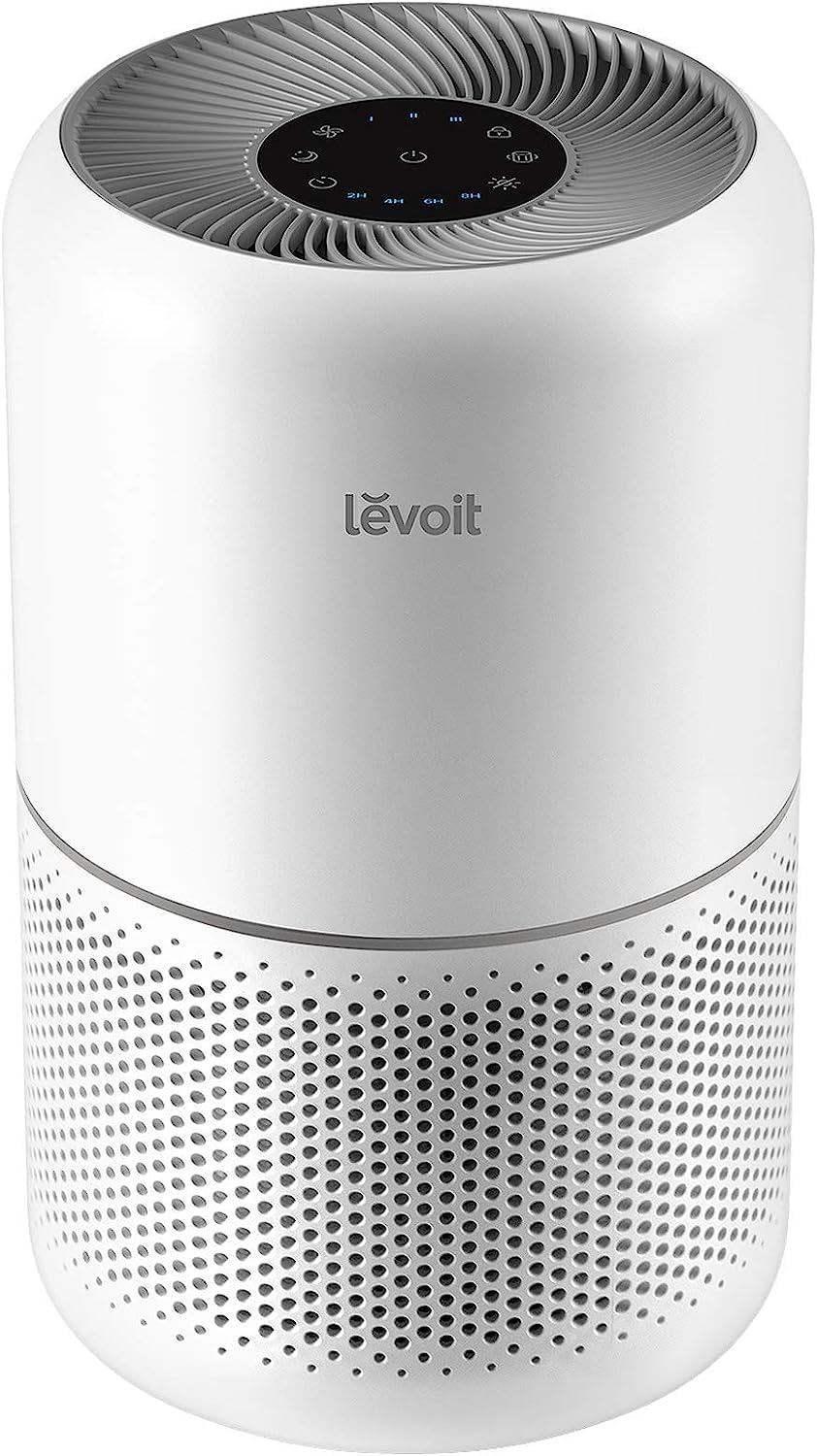 | 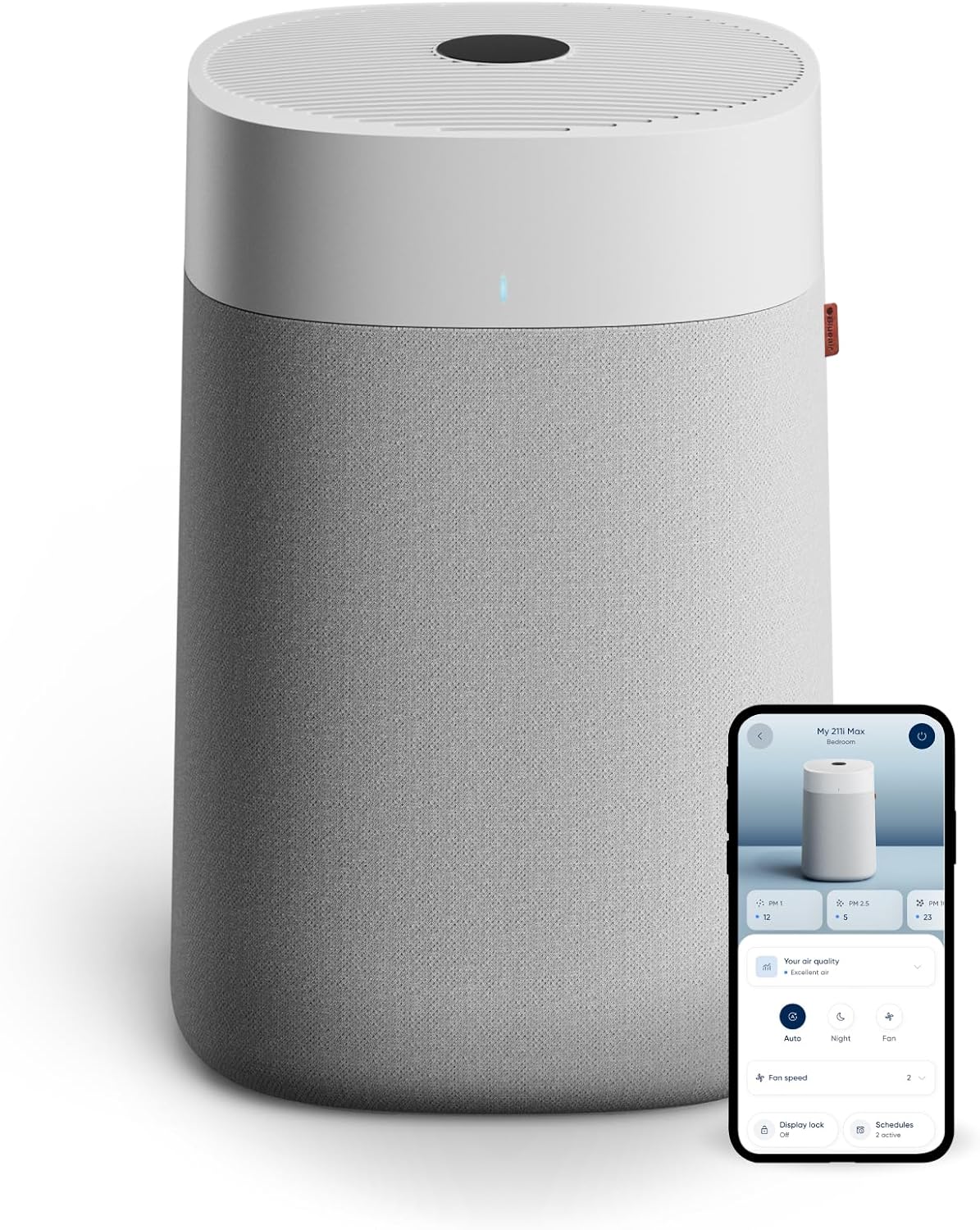 | 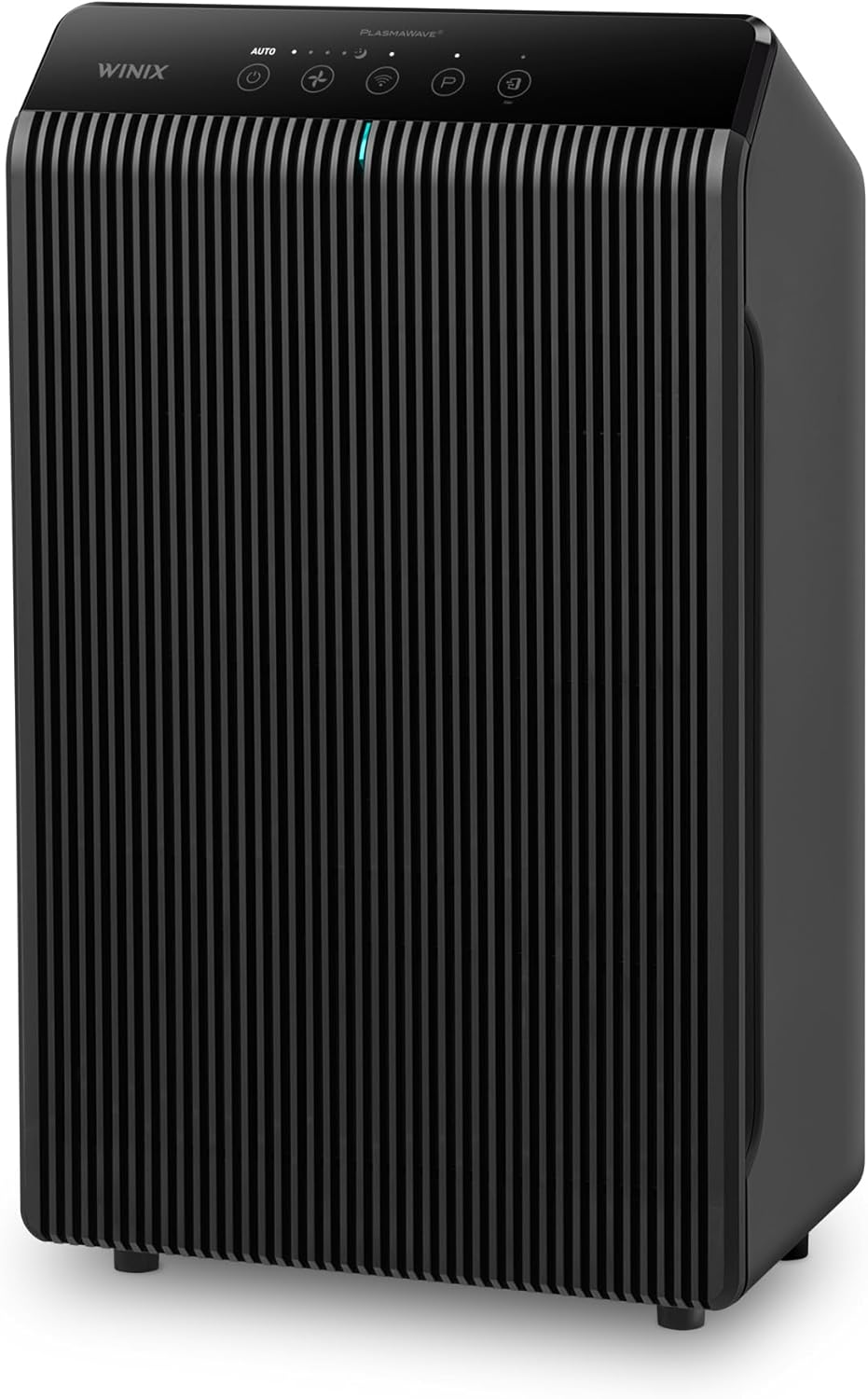 | 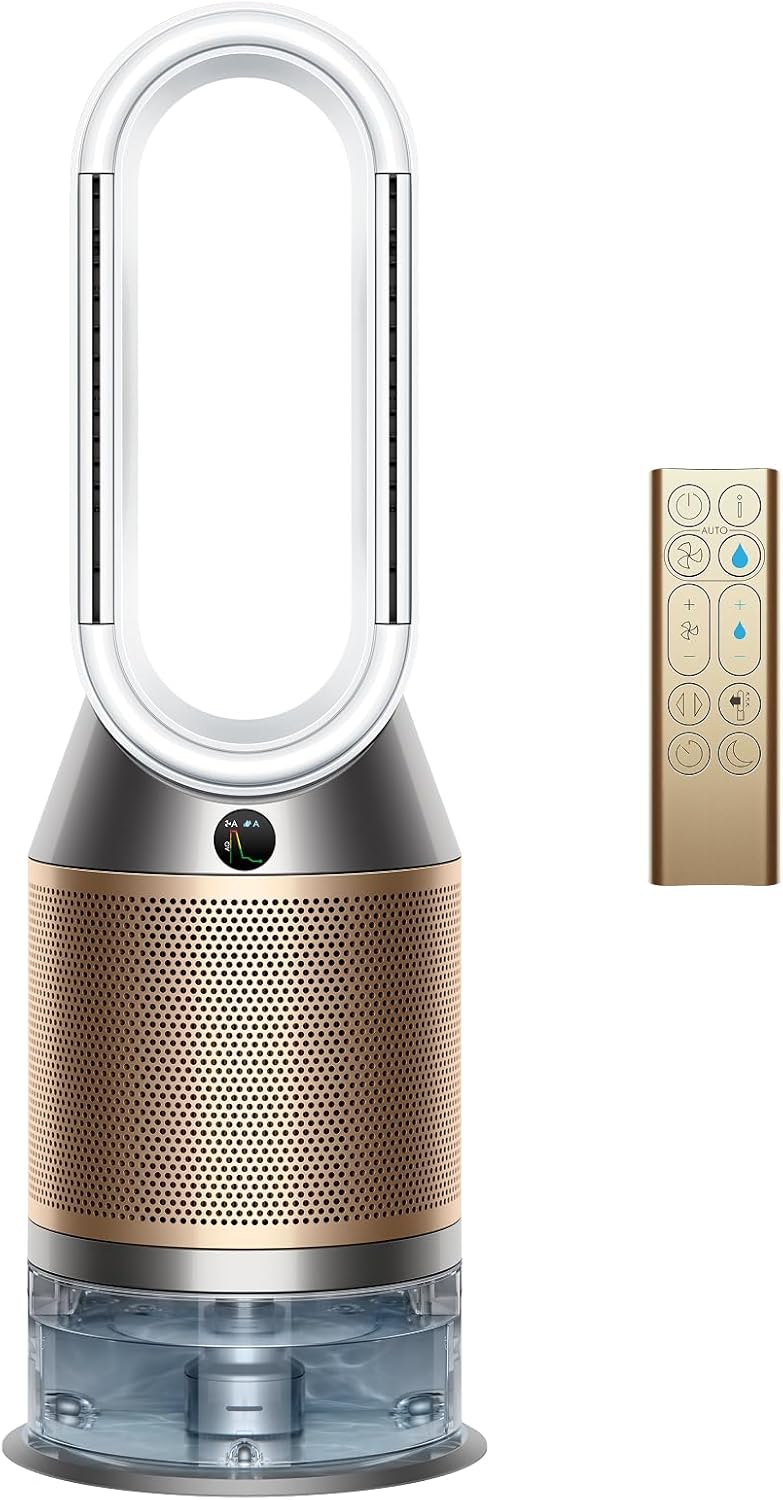 | |
Best for | Most homes (best “all-around”) | Bedroom / small rooms + smart control | Large rooms + open layouts | Pets + odor-leaning homes | Premium: purify + humidify + cooling |
Why it wins | Reliable performance + widely recommended | Strong usability + app/voice convenience | High CADR headroom for big spaces | Pet dander favorite + solid value testing | Multi-function comfort + advanced sensing |
“Real-life” strength | Easy to live with daily | Great “set it and forget it” | Big-room confidence | Smells + fur + everyday dust | One device replaces multiple appliances |
Watch-outs | Not the quietest on max | Not for huge open floor plans | Big footprint | Has ionizer feature (often optional) | Expensive + bigger maintenance routine |
Smart/app | Varies by version; strong basics | Yes (VeSync) | Yes (smart built-in) | Typically basic controls | Yes (MyDyson) |
Credible “why trust it” signal | Common top-pick in major roundups | Named best overall in testing roundup | Reported high CADR + large-room suitability | Stands out for pet dander in testing | Lab-tested favorite among purifier+humidifier combos |
Price |  | | | | |
What Most Top Articles Don’t Mention
Most “24/7” posts either:
- Say “yes” without showing real cost math, or
- Focus only on energy and ignore that fan speed + runtime drives effectiveness, or
- Don’t explain the only strategy that works in real life: baseline + boost.
So we’re doing: when it helps, how much it costs, and what settings to actually use.
The big idea: air builds up… fast
Indoor air doesn’t stay clean just because you ran a purifier for an hour.
People walk around. Pets shed. Cooking happens. Outdoor air sneaks in. Dust gets kicked up again.
That’s why longer run time matters: EPA notes higher fan speeds and longer run times increase how much air is filtered, while lower speed filters less air.
Quick Picks for Best Air Purifier
- Best overall for most homes: Coway Airmega AP-1512HH Mighty
- Best smart-value for bedrooms/small living areas: Levoit Core 300S
- Best for large rooms + open layouts: Blueair Blue Pure 211i Max
- Best for pets (dander + lingering smells) on a sane budget: Winix 5500-2
- Best premium “air-care system” (purify + humidify + cool): Dyson Purifier Humidify+Cool PH2 De-NOx
When running 24/7 is absolutely worth it
You have allergies or asthma triggers
Dander, pollen, dust—these don’t “take breaks.” A steady baseline reduces peaks and helps prevent that “it’s fine… then suddenly I’m sneezing” cycle.
You have pets
Pet hair is mostly a cleaning issue, but dander is airborne and constant. Continuous filtration helps keep it from building up.
You cook a lot (especially frying / searing)
Cooking can spike particles quickly. Baseline helps, and boost mode helps even more.
You live in smoke season / wildfire-prone areas
This is the most obvious 24/7 use case during events—especially in a closed “clean room.”
When 24/7 is not the best move (until you fix something)
1) Your purifier is undersized
If you bought the minimum “room size,” you’ll be forced to run higher speeds (loud) to feel anything.
Also: CADR ratings are based on highest fan speed, and running lower reduces clean-air delivery and coverage.
Fix: Size up so “quiet mode” still cleans.
2) It’s too loud for your life
If you keep turning it off, it’s not a 24/7 machine for you.
Fix: Use a baseline that’s tolerable, plus scheduled boost windows.
3) You’re trying to solve odors/VOCs with the wrong setup
Particle filtration can’t “erase” every smell. (Carbon helps for some gases, but it’s not universal.)
Our Recommended Picks
Feature | |||||
|---|---|---|---|---|---|
| | | | | |
Best for | Most homes (best “all-around”) | Bedroom / small rooms + smart control | Large rooms + open layouts | Pets + odor-leaning homes | Premium: purify + humidify + cooling |
Why it wins | Reliable performance + widely recommended | Strong usability + app/voice convenience | High CADR headroom for big spaces | Pet dander favorite + solid value testing | Multi-function comfort + advanced sensing |
“Real-life” strength | Easy to live with daily | Great “set it and forget it” | Big-room confidence | Smells + fur + everyday dust | One device replaces multiple appliances |
Watch-outs | Not the quietest on max | Not for huge open floor plans | Big footprint | Has ionizer feature (often optional) | Expensive + bigger maintenance routine |
Smart/app | Varies by version; strong basics | Yes (VeSync) | Yes (smart built-in) | Typically basic controls | Yes (MyDyson) |
Credible “why trust it” signal | Common top-pick in major roundups | Named best overall in testing roundup | Reported high CADR + large-room suitability | Stands out for pet dander in testing | Lab-tested favorite among purifier+humidifier combos |
Price | | | | | |
Cost: how much does running 24/7 actually add?
The simple formula
Cost per day = (Watts ÷ 1000) × 24 × your electric rate
Example: 40W purifier
0.04 kW × 24 = 0.96 kWh/day
Multiply by your $/kWh to get the daily cost.
If you don’t know your rate, use your utility bill (it’s usually listed clearly).
A grounded benchmark (what “continuous” looks like in annual energy)
ENERGY STAR notes a “standard room air cleaner,” operating continuously, uses about 501 kWh/year.
That’s a strong reality check: it can be more energy than some new refrigerators.
But here’s the other side: ENERGY STAR’s certified product database shows many models with annual energy use well below that (example entries in the low-to-mid hundreds of kWh/year).
Air Purifier Cost Table (plug in your rate)
Use this with your $/kWh from your bill.
Purifier average power | kWh/day (24/7) | kWh/month (30d) | Monthly cost = (kWh/month × your rate) |
|---|---|---|---|
20W | 0.48 | 14.4 | 14.4 × rate |
40W | 0.96 | 28.8 | 28.8 × rate |
60W | 1.44 | 43.2 | 43.2 × rate |
100W | 2.40 | 72.0 | 72.0 × rate |
Reality note: Wattage changes with fan speed. Turbo is usually much higher than sleep mode.
Benefits of 24/7 (what you actually notice)
More consistent symptoms (fewer “peaks”)
This is the big one for allergy people: fewer spikes when you get into bed or wake up.
Cleaner baseline air = faster recovery after “events”
If your baseline is already clean, a cooking spike clears faster. If your baseline is dirty, you’re always playing catch-up.
Less temptation to “panic run” it on max
Oversizing + continuous low often lets you avoid living in turbo mode.
Best settings: how to run it like a normal person
The best default: Baseline + Boost
EPA’s guidance makes the logic simple: higher speed and longer runtime filter more, lower speed filters less.
So you want a plan that fits real life.
Baseline (24/7)
- Auto mode (if it’s not overly aggressive at night), or
- A steady low/medium speed you can tolerate all day
Boost (short bursts)
Use high speed for 30–60 minutes when:
- Cooking
- Vacuuming / dusting
- Pet grooming
- Lots of people in the room
- Outdoor smoke is creeping in
This is the “I want results without noise fatigue” method.
Bedroom setup (best for sleep + allergies)
- Run high for 30–60 minutes before bed
- Switch to your quietest effective setting overnight
- Keep the bedroom door closed if possible
If your sleep setting feels “too weak,” that usually means the purifier is undersized (or you need more CADR headroom).
Living room setup (where life happens)
- Baseline all day
- Boost around cooking and peak activity
- If it’s an open floor plan, assume you need more capacity than the living room alone
The hidden cost most people ignore: filters
24/7 use can mean:
- More frequent pre-filter cleaning
- Earlier main filter replacement
That’s not a reason to avoid 24/7—it’s just part of owning the machine. EPA emphasizes following the manufacturer’s maintenance and replacement guidance.
Quick decision guide
Run 24/7 if:
- Allergies/asthma/pets/smoke concerns
- You can tolerate the baseline noise
- You’ve sized it properly (or you’re willing to)
Don’t run 24/7 (yet) if:
- It’s so loud you keep turning it off
→ change strategy to baseline + scheduled boosts
FAQs: Should You Run an Air Purifier 24/7?
Is it OK to leave an air purifier on all the time?
For typical fan-and-filter purifiers, continuous use is normal. The bigger question is whether you can run it at a speed that’s effective and tolerable. Longer runtime increases filtered air volume.
Should I run my air purifier on high all day?
Not usually. High speed cleans faster but is louder and uses more power. A better strategy is a 24/7 baseline plus short boost runs. EPA notes higher fan speeds filter more air, and lower speeds filter less.
Does running an air purifier 24/7 increase your electric bill a lot?
It depends on wattage and your electricity rate. ENERGY STAR estimates a standard unit running continuously can use about 501 kWh/year, but many certified units report lower annual use in the ENERGY STAR database.
Should I run an air purifier at night?
If nighttime allergies bother you, yes—bedrooms are one of the best places for continuous filtration.
Why does my purifier feel useless on sleep mode?
Because CADR and cleaning performance drop on lower speeds; CADR is based on high speed and decreases when you run it lower.
Bottom line
Running an air purifier 24/7 is usually the right move when you can do it quietly and correctly sized.
The best real-life setup is:
Low/auto baseline all day + high-speed boosts during pollution spikes + stay on top of filters.
Other Interesting Articles
- Best Air Purifier for Home (2026): Top 5 Picks That Actually Make a Difference
- PuroAir 240 vs Shark Air Purifier: Which One Should You Buy?
- PuroAir 240 vs Sans Air Purifier: Which One Should You Buy?
- PuroAir 240 vs Levoit 300: Which Air Purifier Is the Better Buy?
- PuroAir 240 vs PuroAir 400: Which One Actually Fits Your Home?
Author
HappyHomeNerd: We review home comfort gear the way real people use it: in lived-in rooms, with real sleep schedules, real pets, and real tolerance for noise.